

Smart Home Security Cameras: Features That Actually Reduce False Alarms
Several security camera features prevent false alarms, including AI analysis, motion detection, custom activity zones, sensitivity controls, and alert schedules that filter out non-threats. For more comprehensive verification, however, you can sign up for professional monitoring.
False alarms occur more often than homeowners realize. In fact, over half of homeowners say their security systems trigger mostly false alarms.
It’s not unusual for raccoons to trip your door and window sensors, passing cars to get flagged as break-in attempts, and sudden temperature changes to set off cameras. What’s worse, blindly upgrading to pricier security devices doesn’t solve the root problems.
To get consistently accurate results, you need more than just smart home security cameras. Invest in AI-based analysis, proper zoning, sensitivity tuning, and professional monitoring, rather than relying solely on hardware. Let’s break down everything you need to protect your loved ones.
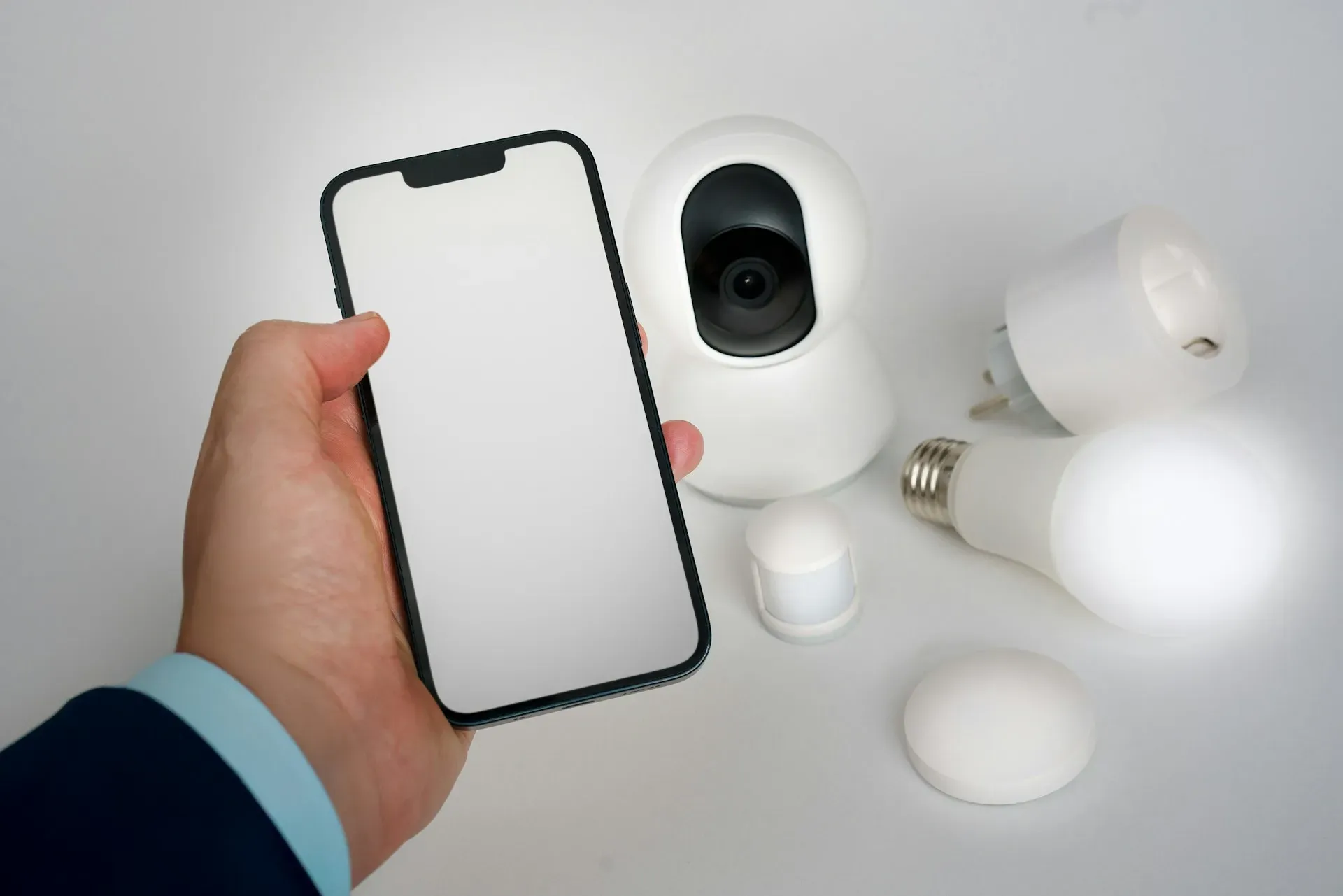
AI Person, Vehicle, and Motion Detection vs. Traditional PIR Sensors
Older DIY cameras and basic alarms rely on PIR sensors (passive infrared), which only detect changes in heat and movement. They cannot distinguish between a person, a car, a pet, or shifting sunlight.
Modern
home security systems today feature more advanced features:
- AI-based video analytics help classify objects for accurate identification
- Motion detection recognizes unusual patterns, preventing misalarms
- Vehicle sensors filter out cars that are just passing by for precise monitoring
PIR is still useful for indoor systems or low-traffic areas, but AI detection is far more accurate for homes exposed to pedestrians, vehicles, wildlife, and weather fluctuations.
Here’s a quick comparison table:
| Feature |
AI Person/Vehicle/Motion Detection |
Traditional PIR Sensors |
|---|---|---|
| Detection Method |
- Analyzes video frames using trained algorithms to identify people, vehicles, animals, and objects |
- Detects infrared heat changes, cannot identify object type |
| Accuracy in Outdoor Environments |
- High accuracy - Filters out wind, rain, headlights, shadows, and animals |
- Low accuracy outdoors - Easily triggered by temperature shifts, pets, and sunlight |
| Common Causes of False Alarms |
- Minimal false detection - AI dismisses irrelevant motion (branches, headlights, insects) |
- Very high false detection rate - Warm air drafts, passing cars, raccoons, and moving foliage all trigger alerts |
| Night Performance |
- Works even when the ambient temperature matches a human’s heat signature. |
- Weak in cold or extremely hot weather - Accuracy drops significantly at night |
| Event Classification |
- Can distinguish between “Person Detected,” “Vehicle Detected,” “Package Detected,” and “Animal Detected.” |
- Only “motion detected,” no classification |
| Use Cases |
- Ideal for driveways, front entrances, backyards, and high-traffic GTA streets |
- Limited to small indoor rooms or low-movement areas - Not meant for detailed security footage |
| Integration With Monitoring Centres |
- Supports video verification - Operators review actual clips before dispatch |
- Does not typically include remote video monitoring, only sends a motion trigger, which can lead to more false dispatches |
| Best For |
- Homeowners who want reliable alerts and fewer false alarms |
- Budget setups where basic movement detection is enough |
Learn more: A Guide to Basic Home Security Features
Source: Unsplash
How Video Verification Works With Professional Monitoring Service Centres
Experts estimate that over 90% of intrusion alarms are false calls. If you're like most homeowners, you probably don't have the time to sift through all the alerts your system generates. Signing up for professional residential monitoring offers a more efficient solution.
Instead of depending solely on motion triggers, trained monitoring experts review live video footage to confirm events and eliminate false alarms. Should an emergency occur, they not only notify you but also coordinate with the appropriate authorities, such as the police or firefighters.
- Your smart home devices capture a short video clip the moment movement or an unusual event is detected.
- The clip is transmitted to the monitoring centre through a secure, encrypted connection.
- A trained operator reviews the footage in real time to determine whether the activity is suspicious or harmless.
- Benign triggers like pets, wildlife, headlights, snow, or routine deliveries are dismissed immediately.
- The operators will escalate confirmed threats quickly. They’ll contact you and dispatch the necessary emergency response.
- All events are documented in a reliable timeline for insurance claims or follow-up investigations.
What are Camera Settings That Can Effectively Reduce False Alerts?
Home security cameras don’t work optimally with their default settings. You need to fine-tune detection zones, motion sensitivity, and alert schedules to prevent your cameras from reacting to everyday movements.
Here are some factors to consider:
- Activity zones: Draw custom rules to restrict motion detection to relevant areas.
- Motion sensitivity levels: Lower sensitivity to prevent alerts from animals, shadows, headlights, or blowing leaves.
- Alert schedules: Enable high-sensitivity modes only when you’re away or asleep. Doing so should reduce daytime alerts in high-traffic areas (e.g., front yard or porch).
- Firmware + algorithm updates: Older firmware may misclassify movement patterns and generate unnecessary alerts.
- Network considerations: Weak Wi-Fi can cause delayed or duplicated alerts.
Source: Unsplash
Cloud Storage vs. Local Storage for Smart Cameras: Which Is More Reliable?
Whether cloud or local storage is more reliable depends on what you need to reference during an incident.
- Cloud storage provides remote access and off-site backups, but it relies on a stable internet connection and ongoing subscription fees.
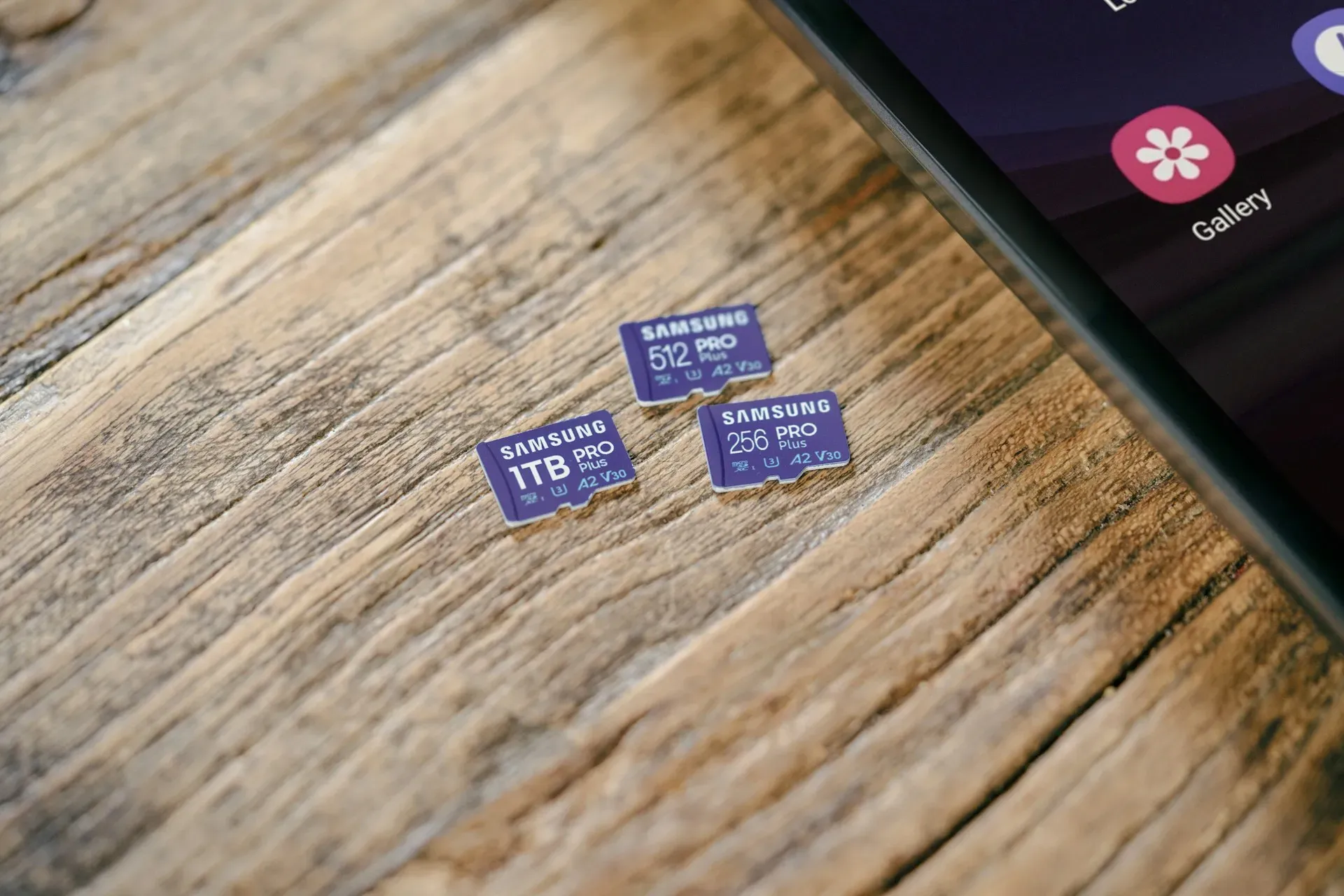
- Local storage (microSD or NVR) gives immediate access and no monthly fees. However, physical devices can fail, be stolen, or be damaged.
Let’s weigh their pros and cons:
| Category | Cloud Storage | Local Storage (NVR/microSD) |
|---|---|---|
| Reliability | Depends on internet uptime and upload speed | Records even if Wi-Fi goes down, no reliance on external servers |
| Privacy | Data stored off-site and is subject to provider policies | Not shared externally, but vulnerable if device is stolen |
| Latency / Access Speed | Live playback and retrieval depend on bandwidth | Instant playback from NVR, zero cloud delay |
| Storage Limits | Tiered subscription plans, so more retention equals higher cost | Expandable but requires hardware upgrades |
| Failure Risks | Server outages or account issues may limit access | NVR/microSD can fail, corrupt, or get damaged during a break-in |
| Cost Over Time | Low upfront cost; recurring monthly fees | Higher upfront cost, no ongoing fees |
| Best Use Cases | Frequent travellers, remote landlords, or users needing multi-location access | Homes with weak internet, larger properties, or owners who prefer full data control |
When Should You Upgrade to Professionally Installed Smart Security Cameras?
Should you invest in more comprehensive protection tools that require professional installation? DIY setups offer relatively limited security. You’ll benefit from a setup if:
- You need full-property coverage. Multi-camera layouts with overlapping fields of view, outdoor angles, and night vision are complex to plan without a
professional site audit.
- Your home layout causes Wi-Fi blind spots. Brick walls, long distances, or multi-storey homes often require PoE wiring, mesh networking, or VLAN configuration, features that professional security camera systems provide.
- You want reliable footage with no gaps. Hardwired PoE systems installed by technicians prevent the freezing, buffering, and dropped clips common in DIY Wi-Fi setups.
- You require weather-rated outdoor protection. Pros use proper junction boxes, seals, soffit mounts, and conduit routing that DIY mounts typically skip.
- You don’t have time for maintenance or troubleshooting. A service team handles firmware issues, misaligned lenses, failing cables, and storage problems.
- Security footage matters for insurance or legal proof. Consistent uptime, proper retention settings, and clear video angles are better ensured with professional installation.
FAQs About the Best Home Security Alarms and Services
What is the best smart home security?
There’s no universal “best” equipment package because every home has different coverage needs. Smart home compatibility depends on your property’s size, the amount of wiring or retrofitting required, and whether your network can support multiple high-resolution cameras.
Is it legal to put cameras in your own house in Canada?
The biggest surveillance limitations in Canada include shared and public spaces. You can install motion sensors and cameras across your entire house. However, outdoor cameras shouldn’t be able to capture private spaces.
Is smart home security worth it?
In most cases, yes. Home alarm systems and security cameras can help you prevent intrusions and break-ins. Modern features also make them more reliable. AI-powered detection filters alarms, two-way audio in doorbell security cameras supports faster communication, and mobile alerts improve situational awareness.
In Summary
- False alarms are common because
older PIR sensors, poor placement, and untuned settings misinterpret everyday movement as threats.
- AI-powered person, vehicle, and motion detection significantly reduces false alerts by analyzing video.
- Professional monitoring centres use video verification to filter out over 90% of false alarms before dispatching emergency services.
- Smart camera settings such as custom zones, sensitivity controls, alert schedules, and updated firmware play a major role in reducing unnecessary notifications.
- Cloud storage offers remote access and off-site backups, while
local NVR/microSD storage provides zero-latency playback and no monthly fees.
- Professional installation is ideal for homeowners who want full coverage, reliable footage, proper wiring, and long-term system health.
- Modern smart security systems are worth the investment because AI filtering, two-way audio, and instant alerts improve accuracy and home safety.
Get Professional Installation and 24/7 Home Security Services With PasWord Protection
For your peace of mind, leave your smart home security system to the professionals at PasWord Protection. For over 60 years, we’ve been ensuring Ontario homes and businesses remain protected 24/7.
Whether you need professionally installed systems, 24/7 home monitoring, or both, our technicians can handle your request. Human operators, not automated bots, will review clips and confirm threats.
Call us for a
free assessment today! Our security specialists will analyze your current setup and suggest upgrades that strengthen coverage and reduce false alarms.