
What Is Access Control? Secure Entry for Businesses & Homes
An access control system enables you to secure physical spaces and digital resources by monitoring and enforcing permission levels. Instead of traditional locks, which cannot be monitored, it uses key cards, PINs, or biometrics to allow or prevent entry.
Whether you’re monitoring your home or business, having real-time visibility into who can access restricted areas and sensitive information gives you peace of mind, no matter where you are. This is where building access control systems come into play.
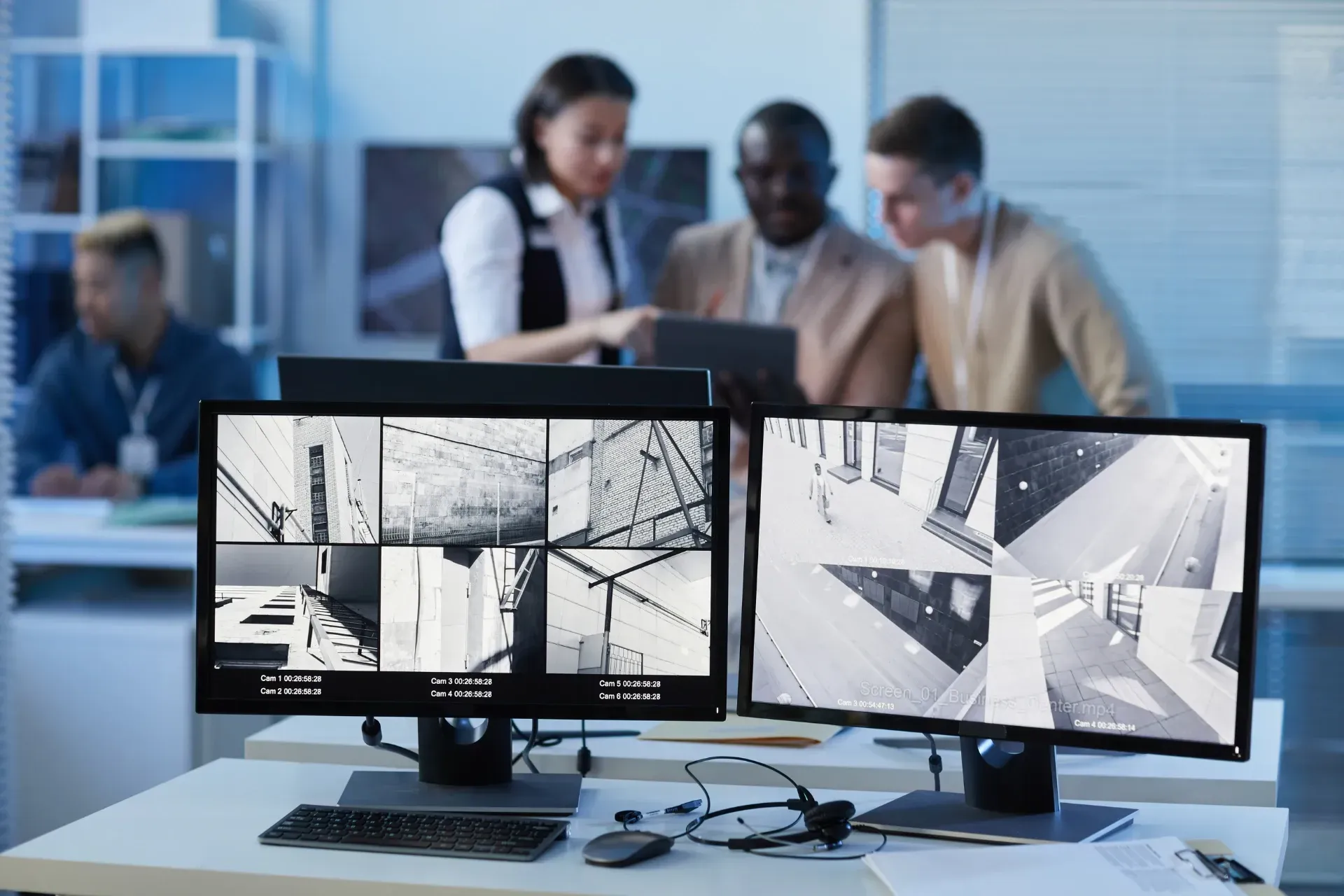
When paired with intrusion alarms and security cameras, access control creates a solid security foundation and improves incident response. It allows you to manage doors, users, and permissions all from a single system. Here’s everything you need to know about access control systems and why they’re crucial for Canadian businesses.
How Access Control Systems Work
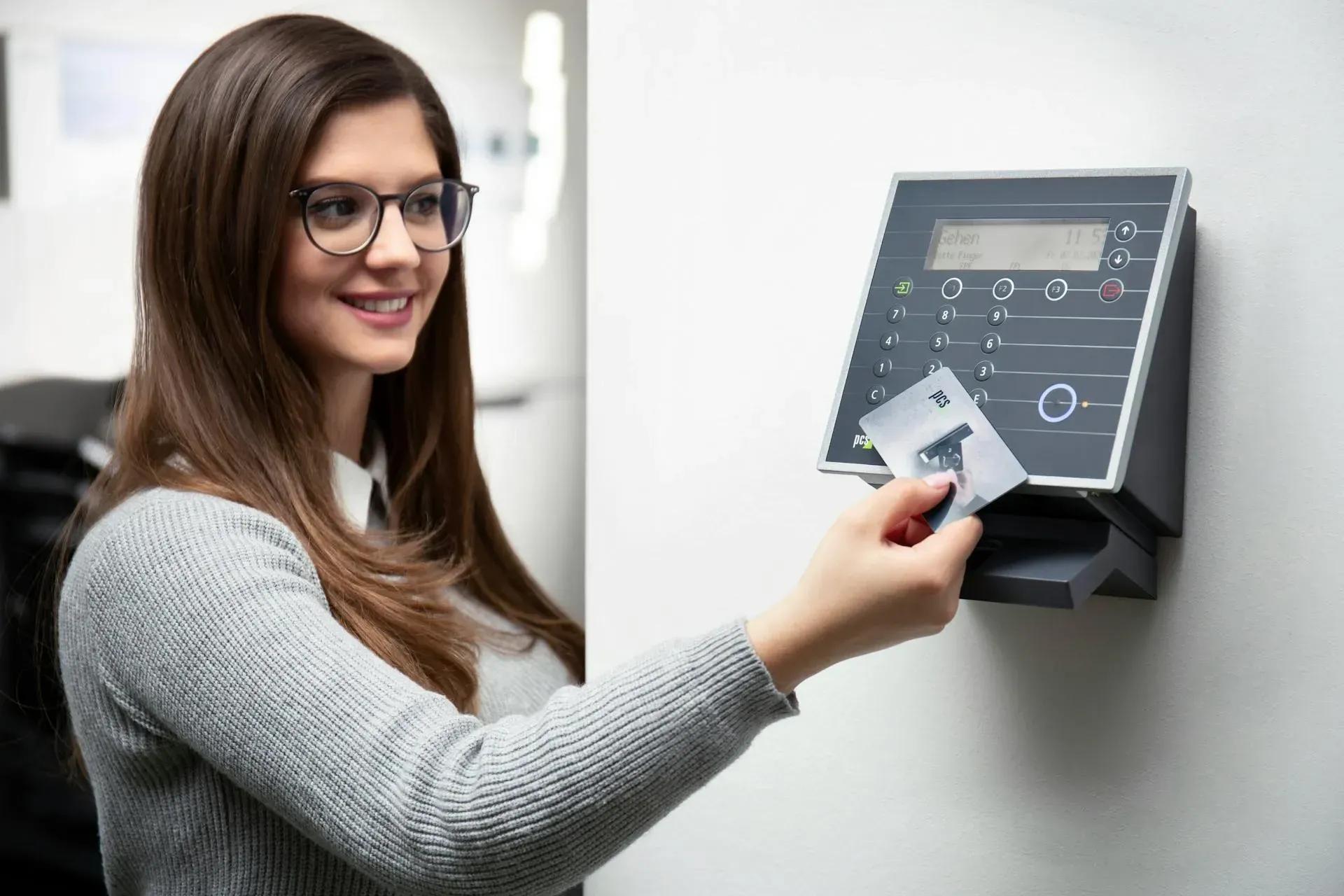
Access control solutions regulate entry to controlled spaces, allowing only authorized individuals to obtain access permissions by presenting valid credentials through designated readers.
The technology used varies, but most systems rely on
key fobs, PIN codes, access cards, or mobile apps. Depending on the setup, you can use a single central system to secure a single door, restrict access to specific rooms, or even multiple buildings.
Modern management software offers far better security than traditional locks and physical keys, which can be easily lost or copied. You have more control since you can assign and revoke access digitally.
Let’s break down the key components behind these systems:
- Access credentials: Each user receives unique credentials directly linked to their database profile.
- Readers: Key card readers, keypad readers, mobile readers, or biometric scanners scan users at entry points.
- Control panel: It verifies a person’s profile against stored permissions to determine their access privileges.
- Locking hardware: Physical security systems trigger electronic locks, strikes, and magnetic locks.
- Management systems: Centralized software enables administrators to add or remove users, modify permissions, review access logs, and manage multiple doors or locations from a single, intuitive dashboard.
- Audit trails and logs: Track every access attempt. You can use these logs to support investigations, compliance requirements, and security audits.
- Third-party integration: Integrate access control with other security systems to streamline visitor management and minimize your attack surface.
Source:
Pexels
Types of Access Control Systems Installed for Homes and Businesses
Whether you run a small home-based business or manage a medium-sized business, safeguarding your data is of utmost importance. A single mistake could result in millions of dollars in damages. As a 2025 IBM report shows, the global average of a data breach is around $4.4 million.
To prevent break-ins, internal theft, security breaches, and unauthorized data access, you need a
full-scale access control system. Implement a
real-time monitoring strategy to track everyone who enters and exits your physical and digital spaces.
Here are some types of access management found in residential and commercial spaces:
Physical Access Control Systems
Not everyone requires the same level of access. The head of your IT department needs access to the server room for maintenance, whereas your HR associates do not.
Implement role-based permissions so only handpicked individuals can access specific areas. This
limits unauthorized entry into high-risk areas, such as storage areas and management offices.
Logical Access Control Systems
How are you managing access to your digital assets? A strong password isn’t enough to stop sophisticated attacks, especially when an arsenal of advanced tools backs them. You’d need to enforce several layers of security measures.
At a basic level,
two-factor authentication (2FA) should be standard across employees. It’s a simple yet effective way to enforce stricter clearance permissions, plus verification only takes an extra few seconds.
Commercial Door Access Control Systems
Replace mechanical locks with electronic building access control systems that verify multiple credential types before unlocking doors. They reduce the risks tied to lost and copied keys.
Keycards and key fobs linked to each user’s unique credentials and access levels can provide access.
You can also
program your door schedules. Some parts of your home or business space may not need to be accessible 24/7, so consider setting them to lock automatically after specific intervals.
Security Access Controls
You have total control over the security standards and permissions in your organization.
Define each user’s access levels based on specific parameters, rather than simply posting a “Do Not Enter” sign in restricted areas.
Biometric Access Control
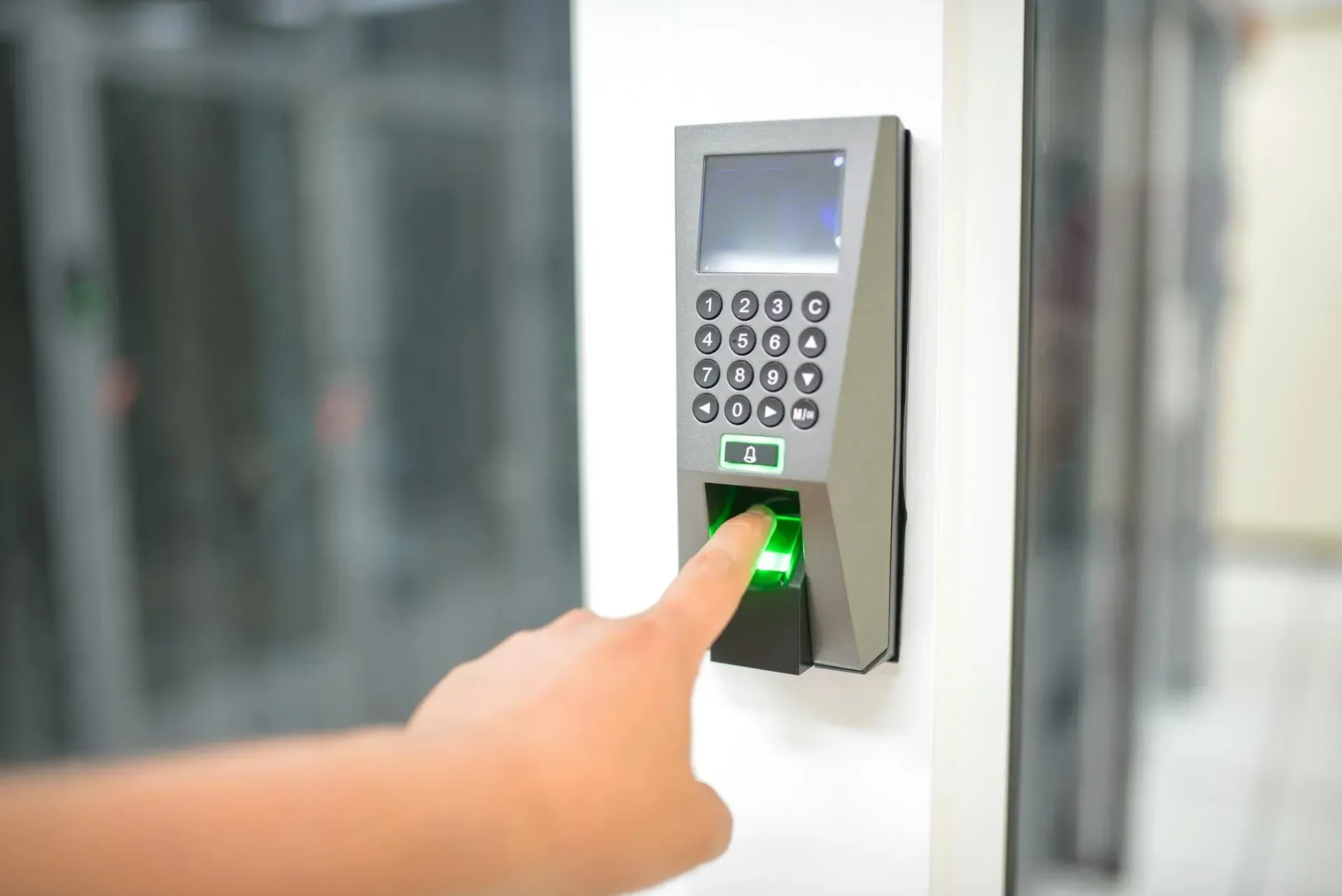
Many users resist adopting secure access controls, thinking they’ll complicate tasks and require waiting for verification codes. However, biometric systems that work well with your database can actually make things easier. Instead of typing long passwords, you can simply scan your physical features for access.
Source: Pexels
Access Control Systems vs. Traditional Locks
Although convenient and affordable to install, traditional locks are outdated. They lack the security and monitoring needed to prevent sophisticated attacks. What’s more, physical keys are prone to human error. Perpetrators can easily steal and copy them, plus you won’t even be able to track them down.
As your property expands, you need a more
complete range of commercial security measures. Here’s how access control stacks against traditional locks:
| Category |
Traditional Locks |
Access Control Systems |
|---|---|---|
| Access Method |
Physical keys |
Keycards, key fobs, PINs, mobile credentials, biometrics |
| Access Management |
Manual key distribution |
Centralized, software-based user management |
| Revoking Access |
Requires rekeying or lock replacement |
Instant revocation through the system |
| User Permissions |
Same access for anyone with a key |
Role-based and individual permissions |
| Audit Trails |
None |
Full-access activity logs with timestamps and user IDs |
| Lost or Stolen Credentials |
High risk, hard to track |
Easily deactivated without hardware changes |
| Scalability |
Poor for multi-door or multi-site setups |
Designed for multiple doors, buildings, and users |
| Integration |
Standalone |
Integrates with alarms, CCTV, and monitoring systems |
| Remote Management |
Not possible |
Manage access remotely from a central dashboard |
| Compliance Support |
Limited or none |
Supports audits, investigations, and reporting |
| Operational Costs Over Time |
High due to rekeying and replacements |
Lower long-term costs through digital control |
| Security Visibility |
No visibility into access events |
Real-time visibility into entry activity |
Key Benefits of Using Access Control Systems
Like most property managers, you’re probably wondering whether your household or organization would benefit from access control. While there’s no one-size-fits-all security plan, controlling access to specific systems provides stronger oversight over physical and digital resources across all property types.
Better Control Over Who Can Access What
Using access control immediately eliminates guesswork around permissions. Instead of referencing multiple dependencies to verify who made a specific change, just manage everything from a single dashboard.
Lower Risk From Human Error and Lost Credentials
Human error is a common weak link in security. Even with multiple safeguards in place, small mistakes like leaving a door open or clicking a phishing link can expose critical systems. Access control
reduces reliance on perfect behaviour by enforcing automated permissions and instant user revocation.
Stronger Accountability Across People and Spaces
Audit trails strengthen accountability by tying events to the appropriate user, time, and location. Teams are accountable for their credentials, plus investigations become faster because ownership and activity are fully traceable.
Faster Response to Security Incidents
Act fast during crises. A few seconds could spell the difference between deterring a break-in and losing thousands of dollars in hardware. You need 24-hour access monitoring to detect unauthorized entry attempts in real time.
When red flags arise, remote monitoring can help you
contain threats before they escalate any further.
Source: Pixabay
How to Use Access Control Systems for Your Commercial Building
For access control to deliver the best results, it must align with your space’s needs. Homes and commercial buildings have different risk profiles, user volumes, and access patterns, all of which drive system configuration. A generic setup would merely give you a false sense of security.
To optimize your system, integrate these practices into your approach:
- Define access rules based on real behaviour, not job titles.
- Separate permanent from temporary users, i.e., guests from employees.
- Regularly review access logs to spot unusual patterns.
- For homes, prioritize simplicity and remote management. Alternatively, commercial buildings need scalable, compliant technologies.
- To verify that the system responds as expected, test emergency scenarios such as lockdowns and lost access.
Learn more: Your Guide to Commercial Security Systems for Business
FAQs About Home and Business Access Control Systems
What is the meaning of access control?
Access control refers to regulating which individuals can enter specific physical or digital spaces. You can set defined permissions based on identity, role, and mobile credentials. By limiting unauthorized access, you can prevent malicious actors from accessing sensitive information.
What is the best security system for a business?
Businesses benefit the most from professional security monitoring services combined with access controls, video surveillance cameras, and alarms. For tailored security solutions, a commercial security audit helps determine your business’s security needs based on your risk profile, which includes the nature of your business, daily operations, company size, and property layout.
What are examples of an access control system?
There are several ways to control access in physical and digital spaces, including:
- Physical access control systems: Limit access to specific rooms, buildings, and other secured areas.
- Logical access control systems: Keep an audit trail of entry and exit logs in sensitive databases with centralized access control software.
- Door access control systems: For business security, use key cards, key fobs, and PIN codes to grant access to restricted entry points.
- Security access controls: Set unique role-based access parameters for every individual in your organization.
- Biometric access control: High security biometric systems use facial recognition technology to verify unique characteristics, e.g., eyes, nose, jawline.
In Summary
- Regulate user access to physical spaces and digital resources by assigning them unique permission levels.
- Administrators can assign, modify, or revoke permissions as needed.
- Audit trails support accountability by linking reports to specific users, times, and locations.
- Automated credential management helps mitigate security risks associated with lost keys and human error.
- Integrated access control strengthens incident response when paired with alarms, cameras, and monitoring systems.
- You need proper planning and professional installation to avoid misconfigured permissions.
Access Control Systems Designed, Installed, and Monitored by Security Experts
For customizable and modern security solutions, turn to the experts at PasWord Protection. We’ve been helping Ontarians secure their homes and businesses for over 60 years. Our team provides an effective access control system tailored to your business’s risk profile. Along with surveillance and monitoring services, we ensure you have access control systems for consistent visibility and control.
Book a consultation today! We’ll assess your existing systems and point out potential security gaps.